 DIYTech Labs
Smart Calculator
Fourteen useful tools in one free Android app. Switch from a scientific calculator to GST, currency, unit conversion, EMI and everyday calculators without juggling separate apps. Results appear as you type, with no account or sign-in required.
On Google Play: Free to download · 14 tools · Android 7.0+ · Contains ads

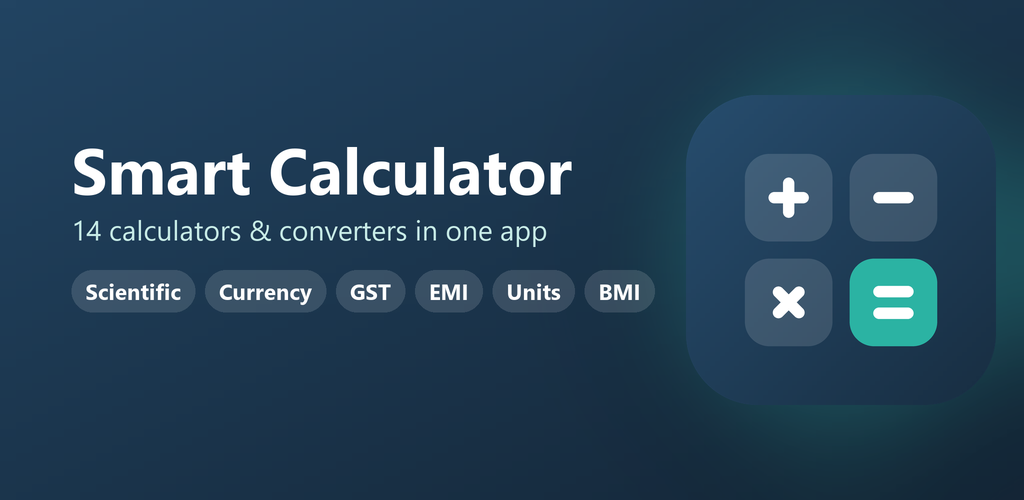
14 Tools in One App
Calculate
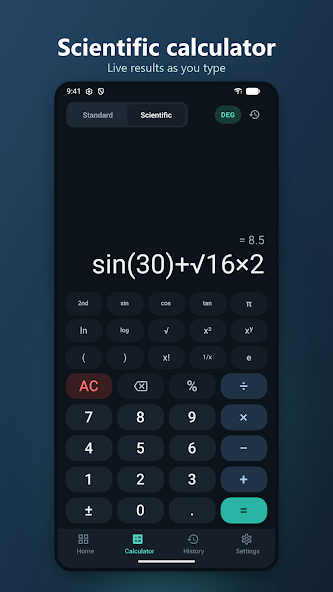
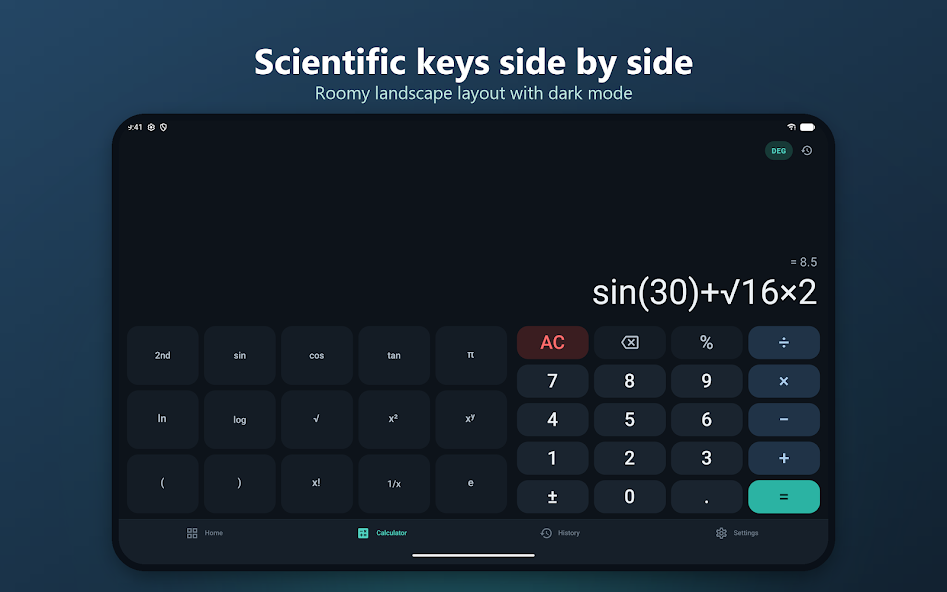
Standard arithmetic with live results and correct order of operations, plus scientific functions including trigonometry, logarithms, powers, roots, factorial, π and e.
Money and tax
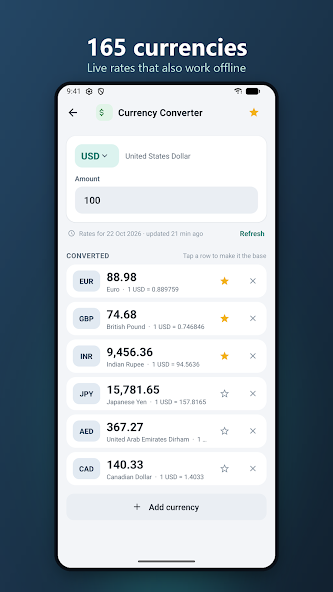
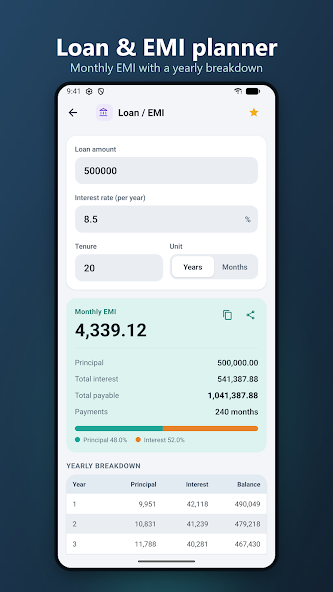
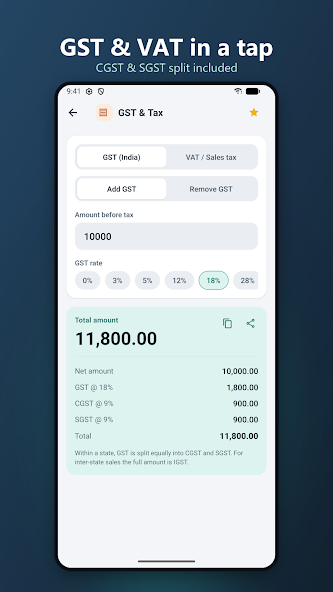
Work out GST with CGST/SGST, VAT or sales tax; convert 165 currencies; plan loan and EMI payments; calculate simple or compound interest, discounts, tips and bill splits.
Convert units
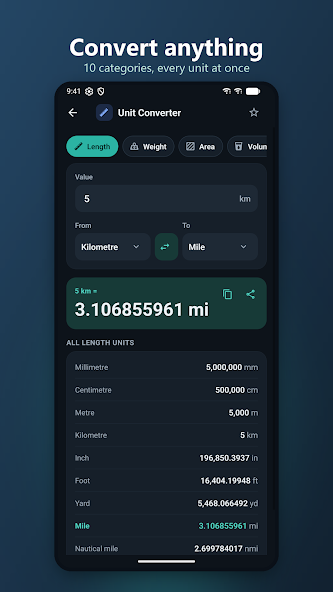
Convert length, weight, area, volume, temperature, speed, time, data, pressure and energy, with units shown together for quick comparison.
Everyday tools
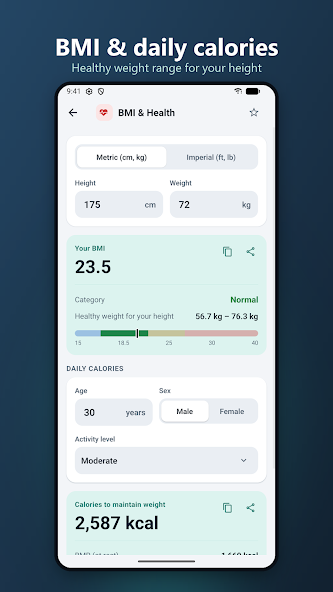
Check BMI and daily calories, calculate age or date ranges, work out GPA, compare fuel mileage, and convert or calculate binary, octal, decimal and hexadecimal numbers.
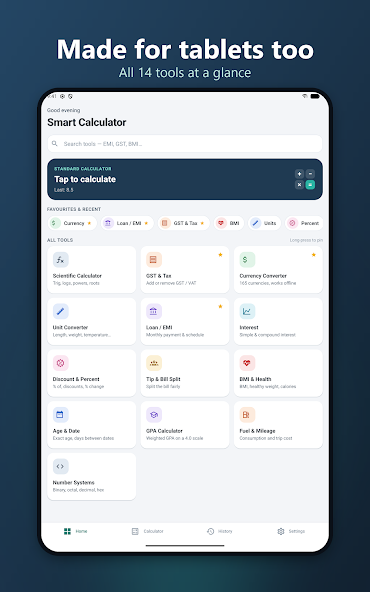
All 14 Calculators
- Standard calculator with live results and calculator-style percentages
- Scientific calculator with sin, cos, tan, log, ln, roots, powers, factorial, π and e
- GST & Tax with add/remove modes, custom rates and CGST/SGST split
- Currency converter for 165 currencies, favourites and cached offline rates
- Unit converter across 10 categories
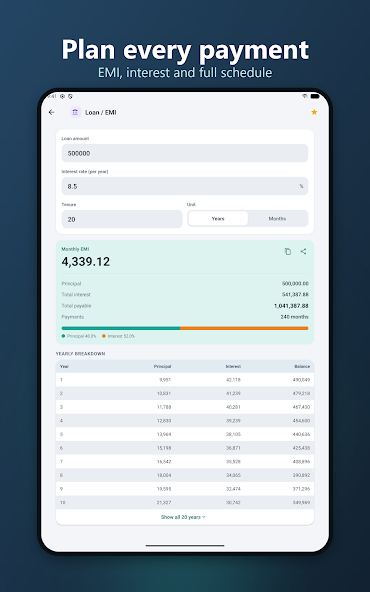
- Loan / EMI planner with monthly instalment and year-by-year repayment table
- Simple and compound interest calculator
- Discount and percentage calculator for sale prices, savings and percentage change
- Tip and bill split calculator
- BMI and health calculator with healthy weight range, BMR and daily calories
- Age and date calculator for exact age, date differences and date arithmetic
- GPA calculator with credit-weighted GPA and percentage reference
- Fuel and mileage converter with trip cost and cost per kilometre
- Number systems converter and binary calculator with AND, OR and XOR
Designed for Quick, Clear Calculations
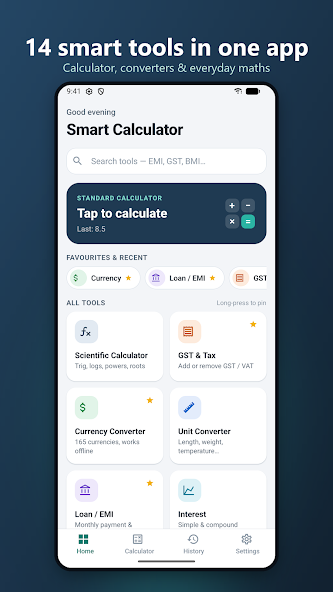
- Search and pin favourite tools, with recently used tools on the home screen
- See results as you type; copy or share results in a tap
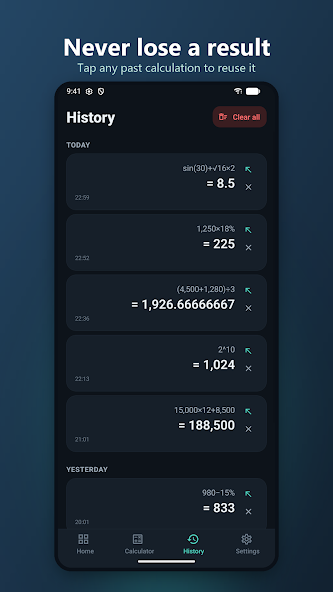
- Calculation history is grouped by day and can be reused or cleared
- Choose light or dark mode, with an option to follow your device theme
- Works on phones and tablets in portrait and landscape, with optional haptics and key sounds
- No account or sign-in; history and settings stay on your device. Currency rates are downloaded and the last saved rates work offline.
Smart Calculator Screenshots
See the redesigned app screens from the Google Play listing.
Scientific Calculator in Landscape
Frequently Asked Questions
What tools are included in Smart Calculator?
Smart Calculator includes standard and scientific calculators, GST and tax, currency, unit conversion, loan and EMI, interest, discount and percentage, tip and bill split, BMI and health, age and date, GPA, fuel and mileage, and number systems.
Is Smart Calculator free?
Smart Calculator is free to download on Google Play and contains ads. The calculator keypad itself has no ads; the listing says full-screen ads are limited and never shown mid-calculation.
Does Smart Calculator work offline?
Core calculations work on your device. Currency conversion needs exchange rates, but the app can use its last saved rates offline.
Do I need an account?
No. Smart Calculator does not require an account or sign-in. Calculation history and settings stay on your device.
Which Android versions are supported?
The Google Play listing says Smart Calculator runs on Android 7.0 and newer.
Last updated